Sidekick: A Claude Code Skill Against Vibe Coding
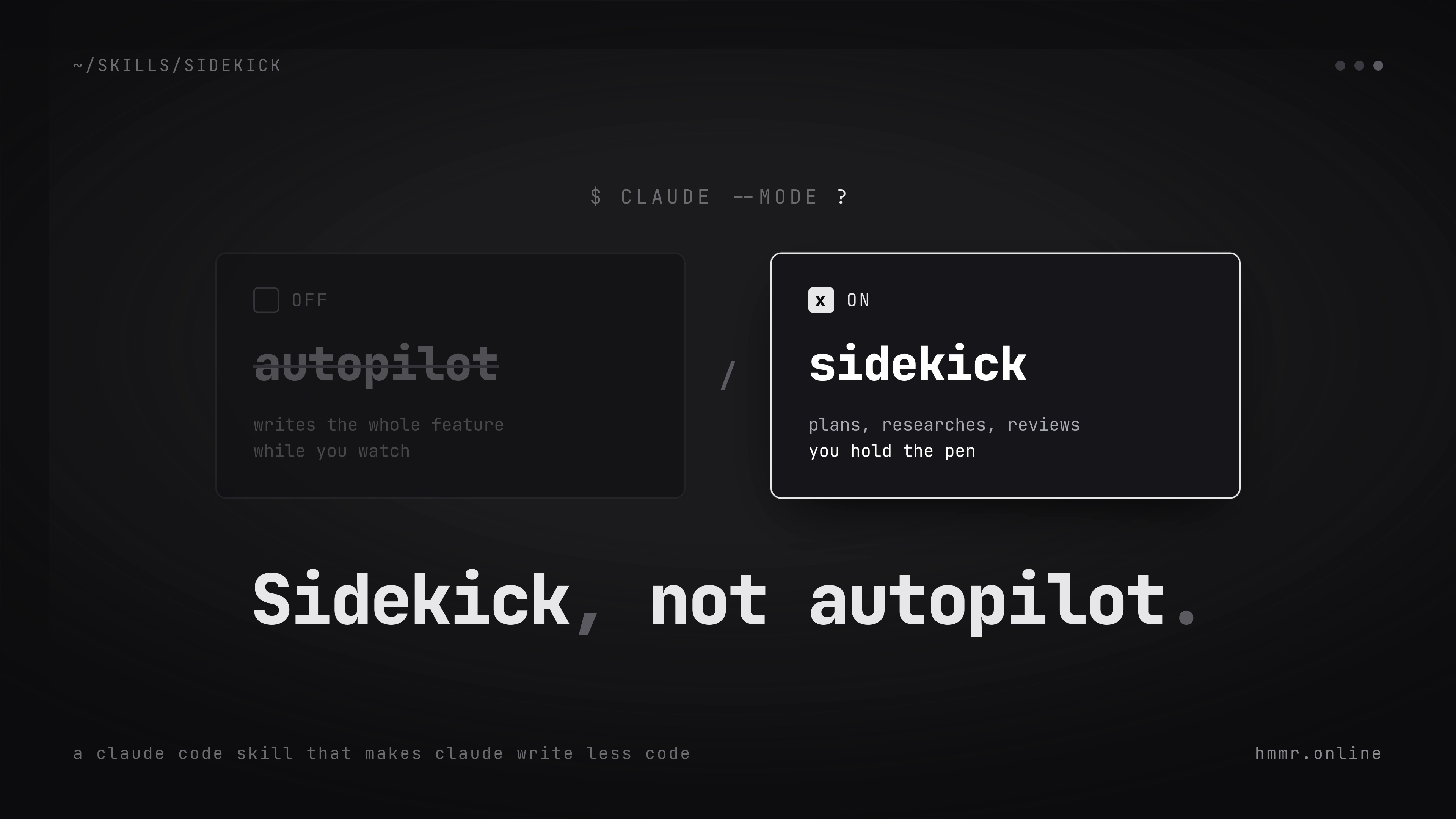
Table of contents
Ranting Is the Easy Part
Two months ago I posted a rant about how we got lost in AI. Short version: vibe coding killed the fun in my projects, I didn’t know my own codebases anymore, and I wanted AI to be a tool again instead of a replacement for me.
Felt great to write. Changed absolutely nothing.
Because that’s the thing with rants. You hit publish, people nod along, and the next evening you open Claude Code and let it vibe out another feature because it’s just so damn convenient. Complaining is easy. Doing something about it is the hard part.
So here’s me doing something about it.
So I Built a Skill
The result: Sidekick, a Claude Code skill.
Well, “I built” is generous. I told Claude’s skill-creator what I wanted and it wrote the skill for me. Yes, I used AI to build the thing that tells AI to back off. I know how that sounds. Whatever, it worked.
If you’ve never touched skills: they’re basically markdown files with instructions that Claude Code loads when they become relevant. The docs explain it better than I will.
The whole point of Sidekick is flipping the role. Claude stops being an agent on autopilot that silently finishes entire features while you watch. Instead it becomes your sidekick. It helps with planning, digs through research, sets up the boring parts, reviews your code - but writing the actual code? That’s your job again.
Markdown Files as Memory
The first thing Sidekick changes is how a project starts. Instead of dumping an idea into the chat and watching Claude implement it, you build a rough outline together and split the project into small pieces. Every piece becomes its own markdown file in a backlog/ folder, right inside your repo. A BACKLOG.md on top links them all, sorted by priority, and a SPRINT.md tracks what’s being worked on right now. There’s also a VISION.md - one paragraph on what the project is and what it’s explicitly not, so it doesn’t scope-creep into a monster.
I know. Sounds like corporate scrum theater for a hobby project.
But these files fix the single most annoying part of working with an LLM: the new session. Normally you re-explain your entire project every time you open a fresh chat. With these files, you don’t. Claude reads them and knows what’s planned and what’s already done. And it works the other way too - I open the folder and instantly see where the project stands, without scrolling through old conversations.
The markdown files are memory. For me and for the LLM.
Do the Research Once
For code, Sidekick tells Claude to hold back. For research, it’s the exact opposite: go wild.
Which makes sense, honestly. Claude can search the web and dig through the MCP servers in a project way faster than I ever could. Comparing libraries, checking current docs, that kind of stuff - sure, I’d learn something doing it myself. But it’s a boring chore, and I’d rather code than google. So Claude gets full freedom there.
But every finished research topic gets saved as its own markdown file, with a RESEARCH.md index on top. Each file holds the question and a short answer, plus links to the sources. Readable by any human and any LLM, now or in a year. No more researching the same library decision twice because the answer is buried in a chat from last month.
Claude Does the Boring Stuff
Project setup is the other job that goes to Claude. But Claude doesn’t get to decide everything on its own. It makes the suggestions and I make the final decisions. Then it sets up the whole project from scratch. Directory structure, configs, git init, tooling. Nobody ever learned anything from writing a linter config by hand.
You skip straight to the coding. The fun part.
How Much AI Do You Want?
That’s up to you. The skill is a default, not a law.
You can go full purist and write every single line yourself, with Claude only doing code reviews. Or you can override it mid-session with a “just write it” and get the old autopilot back for one task. Both are fine.
I landed somewhere in the middle. Claude creates the bare structure of a file - function signatures, comments marking where the logic goes - and I fill in the body myself. When I get stuck, I ask for help. And this is my favorite part: it doesn’t hand me the solution. It gives me a nudge. A hint at where the problem might live. Most of the time that’s enough to get me unstuck.
And when it’s not? I tell it to just fix it, and it does. That happened more than once. I’m not pretending I white-knuckled through every bug on hints alone.
This Is What I Meant
I was honestly blown away by this workflow.
It combines the fun part of coding with the part of AI that’s actually useful. I code faster and I get stuck less. But at the end it’s my code, not Claude’s. I know how everything works because I wrote it. I can navigate the codebase blind again.
Is it slower than letting Claude vibe out the whole thing? Obviously. That’s the point.
I love it.
In the rant I wrote that AI should serve me, not the other way around. Turns out you don’t have to quit AI for that. You just have to change who’s holding the pen.

Written by
Alexander Hammer
Software developer. Arch Linux. Self-hosted everything.
Popular Posts
-
#1
Putting a Bunny.net CDN in Front of My Static Blog
1429 views · Read -
#2
Why I Switched from Hugo to Astro
692 views · Read -
#3
Why I Switched from WordPress to Hugo
598 views · Read -
#4
Where to Actually Find Good Wallpapers
216 views · Read -
#5
Ricing Hyprland with Claude Code CLI
162 views · Read