
Topic
Docker
Docker guides from a real self-hosted setup: Compose stacks, Traefik as reverse proxy, CI runners in containers, and why everything here runs in one.
5 Posts · Updated May 22, 2026 · All Topics
- What
- Container platform: apps packaged with everything they need
- Language
- Go
- License
- Apache 2.0 (Docker Engine)
- Best for
- Reproducible deployments and keeping your server tidy
- Not for
- Large-scale multi-node orchestration (Swarm exists, but that is really Kubernetes territory)
Start here
New to this? Read these in order.
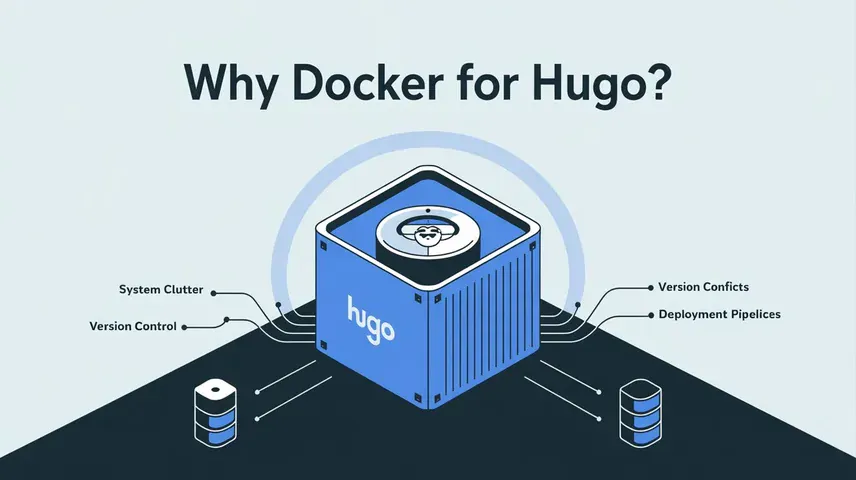
- 1 Hugo in Docker: Benefits and Practical Guide
The gateway drug: run one tool in a container instead of installing it.
- 2 I Replaced Nginx Proxy Manager with Traefik
Put a reverse proxy in front so every container gets a domain and TLS.
- 3 Self-Hosting a Forgejo Runner for Codeberg Actions
Containers running containers: self-hosted CI for deploys.
Posts about Docker




More on Docker
Sooner or later, every project on this blog ends up in a container. The blog itself runs in one. The analytics run in one. Even the thing that builds the blog ran in one. Here is why that happened, and what it looks like in practice.
Why Everything Here Runs in Containers
I don’t install software on my servers anymore. Not directly, anyway.
Nothing clutters the system. Every service lives in its own container with its own dependencies. No version conflicts, no leftover packages from something I tried once in 2023.
Versions are pinned. A container image is frozen. An update somewhere else can’t silently break my setup, and if a new version misbehaves, rolling back is one line in a Compose file.
Everything is disposable. Container breaks? Delete it, recreate it, done. The data lives in mounted volumes, the config lives in git.
That mindset started with the blog itself: I even ran my static site generator in a container instead of installing it, and wrote up why that’s worth it back when this site ran on Hugo.
Compose Is Where It Clicks
Plain docker run commands are fine for trying something out. But the moment a service needs a network, volumes, and a second container, you want Docker Compose. One YAML file describes the whole stack, and that file doubles as documentation. Six months later you don’t have to remember how you wired something up. It’s written down, in git, next to everything else.
My whole setup works that way. The front door is Traefik as a reverse proxy, which reads labels straight from my Compose files and routes traffic to the right container, TLS certificates included. New service means a few labels in the Compose file. That’s the entire onboarding.
Behind it: this blog in an nginx container, self-hosted Umami analytics, a contact-form gateway, and whatever else I’m currently playing with.
Containers for CI Too
The pattern doesn’t stop at web services. When I wanted my blog to deploy itself, I self-hosted a Forgejo runner for Codeberg Actions. The runner is a container that spins up more containers for each CI job. Turtles all the way down, and it works great.
The Parts That Suck
Docker eats disk. Old images, dangling layers, build caches: if you never run docker system prune, your server will remind you eventually, at the worst possible moment.
Updates are on you. A container doesn’t update itself, and “just use latest” is how you get surprise breakage at 11 pm. Pin versions, update deliberately.
And the licensing story around Docker Desktop caused enough confusion that half the internet thinks Docker itself went paid. It didn’t. The engine, the CLI, Compose: all free and open source. On a Linux server none of the Desktop drama matters anyway.
None of this changes the verdict. Containers made my setup boring, in the best possible way. Things just run.
 Hugo
Hugo  Linux
Linux